
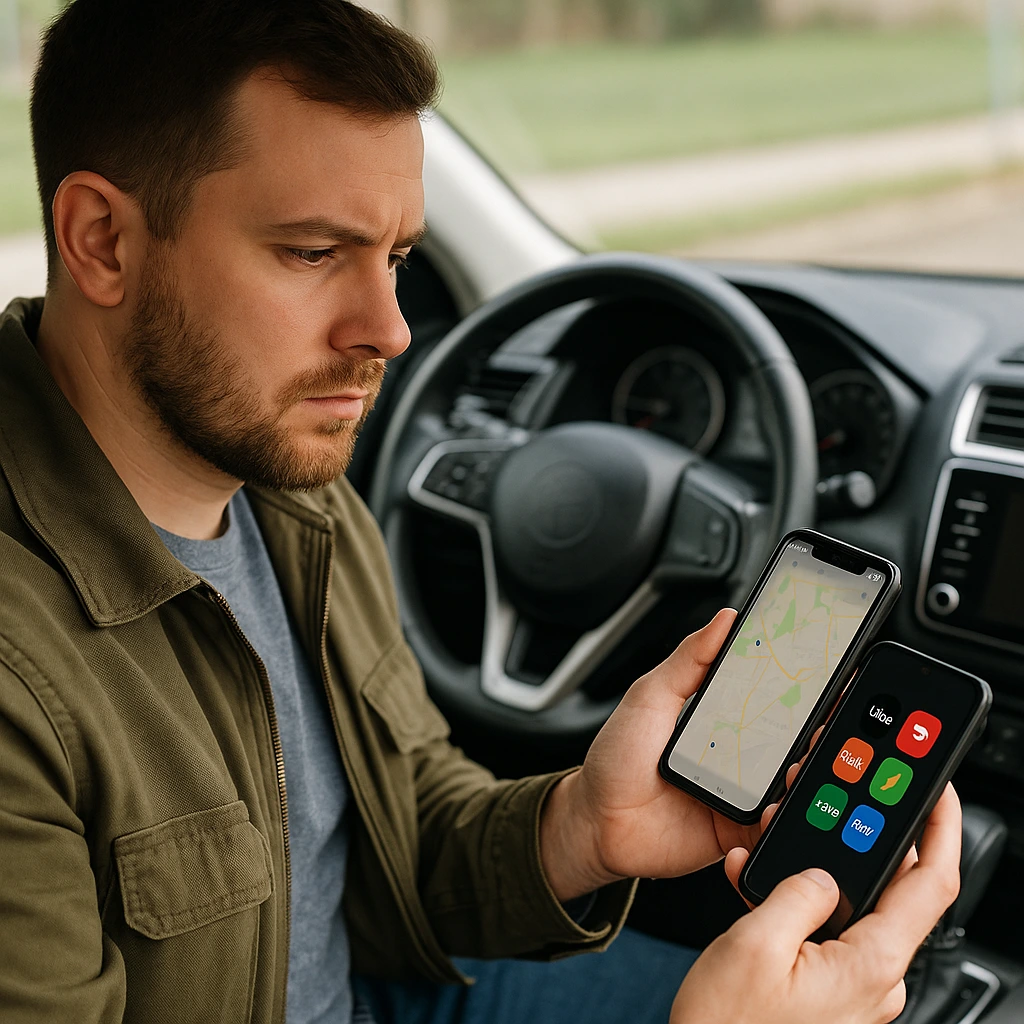
In today’s rapidly shifting gig economy, multiple app gig work has turned into a clever way for workers to enhance their earnings and stay flexible. Whether you’re delivering meals, driving passengers, or shopping for groceries, managing specific apps the right way can open new possibilities — if you do it properly. Without a smart system, though, it’s easy to feel overwhelmed, confused, or even burned out.
Let’s dive into the best techniques for gig workers who need to balance it all and stay sane.

Why Manage Multiple Gig Apps?
Managing multiple gig apps is a smart move for anyone serious about maximizing their income. Each app — like Uber, DoorDash, Instacart, or Grubhub — has busy and slow periods. By operating across apps, you can fill those gaps and stay busy all day.
Plus, it gives you options. If one app has low-paying orders or technical issues, you can quickly switch to another. Flexibility is key in multi-app gig work.
But while the potential is high, the risks are real. Without the proper method, you can waste time, miss opportunities, or make costly errors.
Best Strategy for Managing Multiple App Gig Work: Plan Before You Drive
Before you even hit the road, you need a plan. Managing multiple gig apps isn’t about juggling everything at once — it’s about making smart choices in advance.
Here’s how:
Pick 2–3 Apps Maximum
It’s tempting to enroll in every app available, but too many apps create chaos. Choose a few that match your skills and goals.
Know Peak Times for Each App
Uber is often busier during morning and evening rush hours. DoorDash and Uber Eats peak around lunch and dinner. Instacart is busier on weekends. Plan your shifts based on these patterns.
Understand Each App’s Rules
Some platforms punish you for canceling too many orders. Others don’t. Learn the rules to avoid penalties.
Set Income Goals, Not Time Goals
Instead of saying, “I’ll work for 8 hours,” say, “I’ll make $150 today.” This keeps you focused and efficient.
Quick Tip:
Before you accept any job, ask yourself: “Will this job help me meet my goal faster?”
Top Multi-App Gig Work Tips You Can Start Using Today
Ready to level up? Here are practical multi-app gig work tips you can start using:
1. Prioritize the Best Orders
Train yourself to spot good orders quickly. Look for:
-
High pay-to-mileage ratio
-
Short wait times
-
Safe and familiar neighborhoods
Decline poor orders to protect your time and earnings.
2. Use Two Phones (If Possible)
If you can afford it, use two phones — or a phone and a tablet — to run different apps without constantly switching screens. If not, make sure your single phone is fast, updated, and has enough storage.
3. Master App Switching
Get familiar with each app’s interface:
-
Set up notifications smartly.
-
Keep essential apps on your home screen.
-
Turn off alerts for apps you’re not using at the moment.
The faster you switch, the more money you make.
4. Watch Out for Double-Booking
Double-booking happens when you accept two orders but can’t complete them on time.
Avoid it by:
-
Accepting paired pickups (e.g., two from the same restaurant).
-
Predicting realistic travel times with Google Maps or Waze.
5. Always Prioritize Customer Service
Excellent service leads to higher ratings and better orders:
-
Communicate delays honestly.
-
Follow delivery instructions carefully.
-
Update customers if you face any issues.
Essential Tools for Managing Multiple Gig Apps
Technology can make managing multiple gig apps easier. Here are the must-have tools:
Using the right apps will boost your earnings and keep your gig work organised.
For more tips, read How to Track Expenses and Mileage for Gig Workers.
How to Schedule Smarter in Multiple App Gig Work
When balancing multiple apps, smart scheduling is critical. Random logins lead to wasted hours.
Try this:
Track your earnings hour-by-hour across a week. You’ll notice peak patterns, like Uber spiking on Friday nights or DoorDash booming during Sunday football games.
Build your personal “power hours” calendar from this data.
Stack “slow apps” with “fast apps” — for example, keep Instacart open quietly while focusing on Uber Eats during peak meal times.
Scheduling smarter can make a huge difference in your income and mental health.
Mental Health Tips for Managing Multiple App Gig Work
Working on multiple apps can be mentally exhausting. Protect yourself:
-
Take short breaks every 2–3 hours.
-
Stretch and stay hydrated.
-
Know when to log off — it’s okay to rest.
Pro Tip:
If you’re new, check out our guide on Best Gig Apps to Start With.
How to Stay Motivated in Multiple App Gig Work
Let’s be real — gig work can be frustrating. Traffic, bad tips, slow orders — all kill motivation.
Stay energised by:
-
Setting mini-goals like “make $50 before noon” or “complete five deliveries before a break.”
-
Celebrating small wins.
-
Connecting with other gig workers online.
Always remind yourself why you started gig work — freedom, flexibility, or financial goals. Keep your “why” strong.
Is Managing Multiple Gig Apps Worth It?
The short answer? Yes — if done smartly.
With a plan, good tools, and healthy habits, you can:
-
Earn more money
-
Work flexible hours
-
Avoid long dry periods
Success comes from working smarter, not harder.
Final Thoughts on Multiple App Gig Work
Managing multiple gig apps without losing your mind is all about:
-
Picking a few apps that fit you best
-
Scheduling around peak hours
-
Using smart tools
-
Taking care of your body and mind
Stay patient, keep learning, and adapt to changes. The gig economy evolves fast, but with the right strategy, you’ll always stay ahead and build the flexible career you deserve.